Codex Config
This page explains how to add and enable the ccbug configuration for Codex CLI in CC Switch.
Note
Keys from the Codex group can only request OpenAI / GPT-related models. Keys from the Claude Code group can only request Claude-related models. Do not mix them.
Add A Codex Configuration
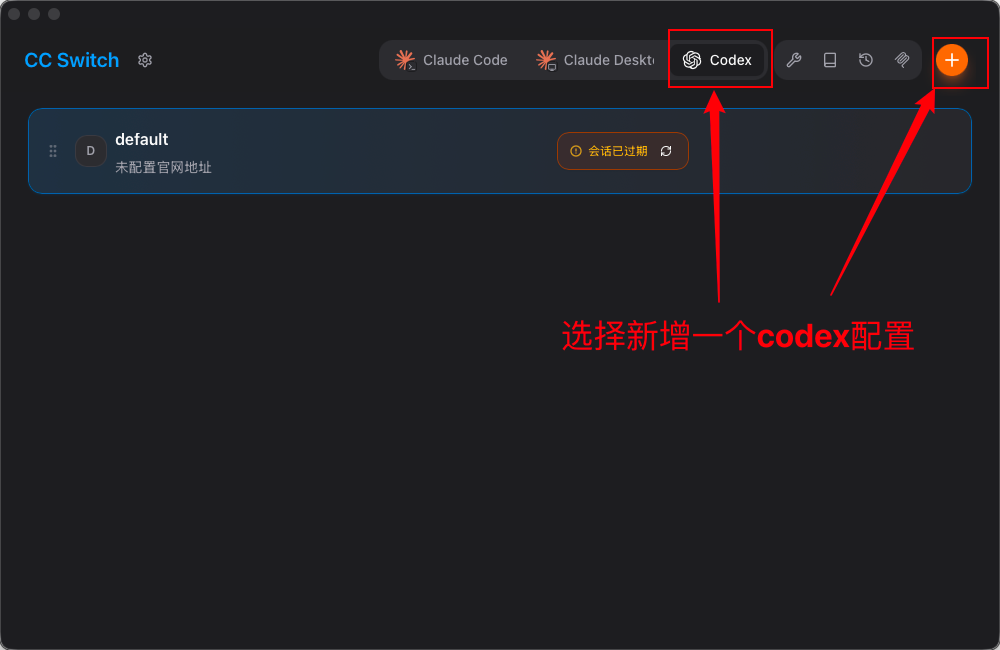
Open CC Switch, switch to Codex, then click the plus button in the upper-right corner to add a Codex configuration.
Fill In Configuration Parameters
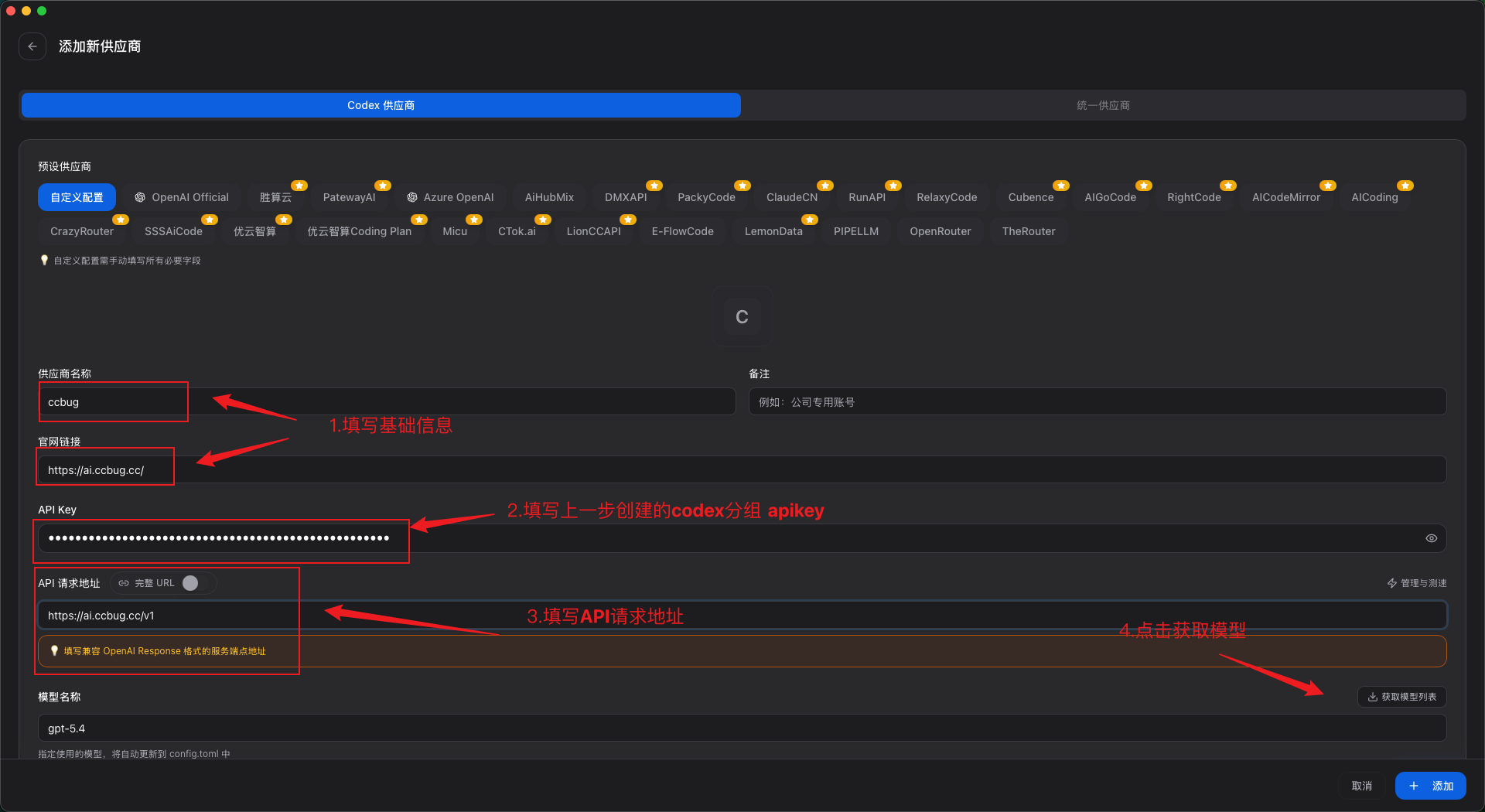
Use the following values:
| Field | Value |
|---|---|
| Provider name | ccbug |
| Official URL | https://ccbug.cc/ |
| API Key | The Codex group API Key you created, for example sk-xxxx |
| API request URL | https://ccbug.cc/v1 |
| Model name | Click "Get model list", then choose the GPT / OpenAI model you need |
Enable The Codex Configuration
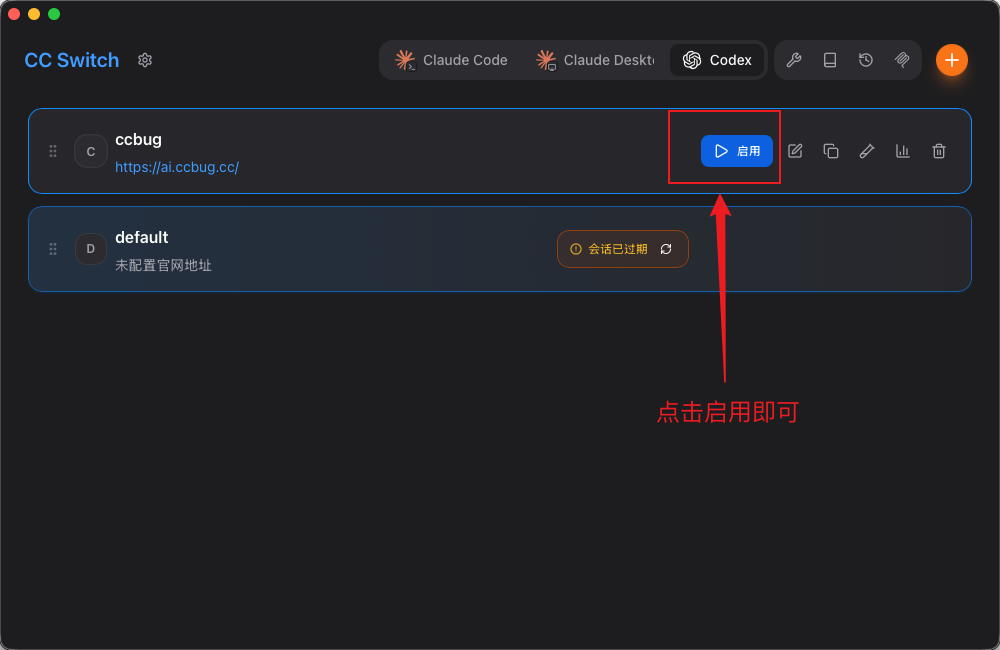
Close Codex CLI before switching configurations. After saving, find ccbug in the Codex list in CC Switch and click "Enable".